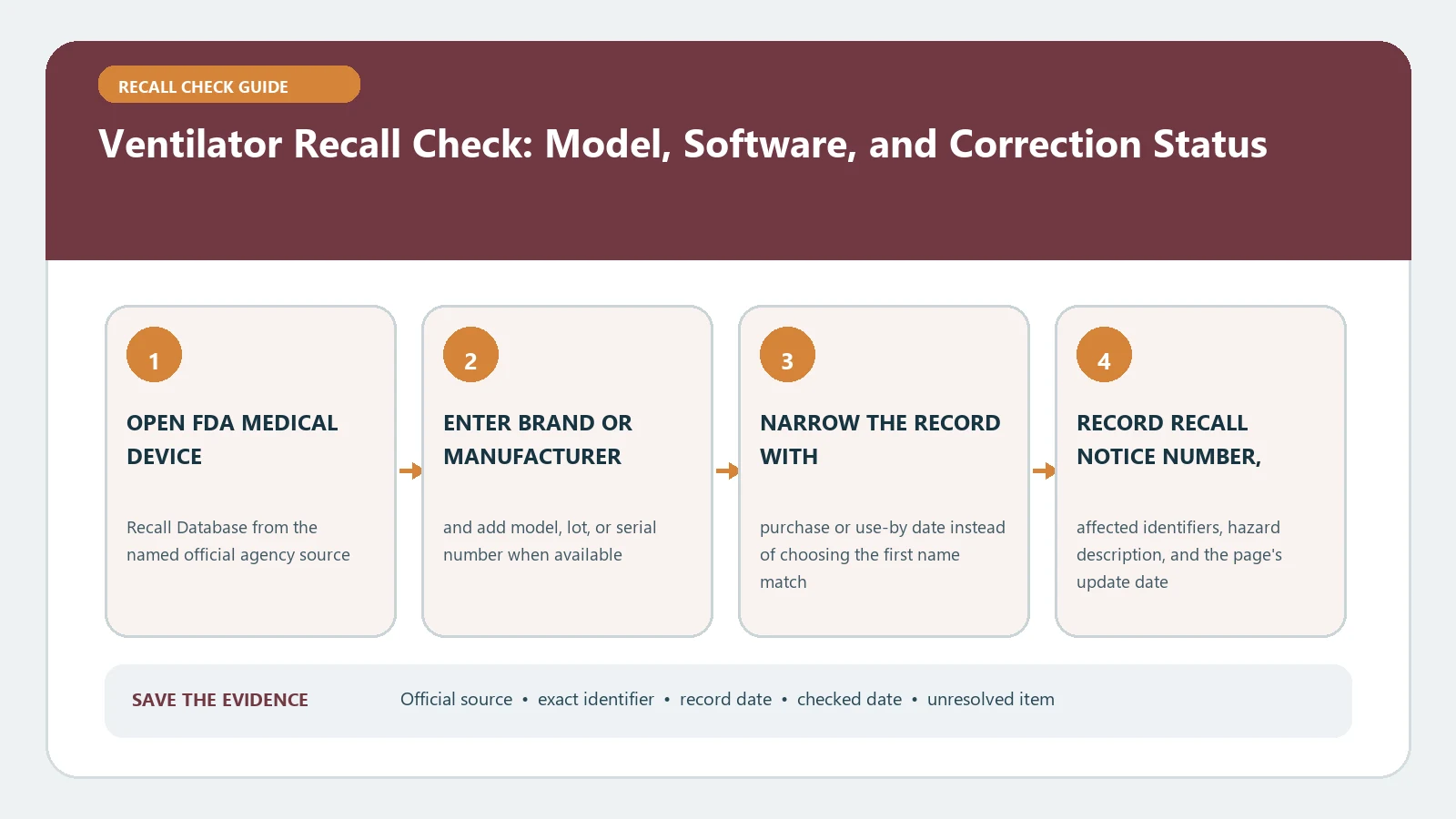
A ventilator recall check must identify the configured device, not just the name on its case. Record the model, serial number, UDI when available, installed software version, circuit or accessory, and any replaced control board. Compare that configuration with the newest FDA communication and classified recall record, then follow the exact manufacturer and clinical-team instructions for the patient using it.
FDA ventilator communications and recall tools were last reviewed August 26, 2026. Device status and recommendations can change, so reopen the live communication before applying a software update, service action, or change in use.
Inventory the ventilator as a working system
Photograph the rating label and the screen that displays model, serial, and software information without interrupting therapy. Record the home-care company or hospital asset number separately; it may help locate service history but is not the manufacturer serial. Include power supplies, batteries, humidifiers, nebulizers, circuits, flow sensors, remote monitors, and replaced boards when a notice names them.
| System layer | Identity to capture | Why a name alone fails |
|---|---|---|
| Main ventilator | Full model, serial, UDI-DI, manufacture date | One family can contain affected and unaffected ranges |
| Software | Installed version, update date, installer | A correction can depend on a version threshold |
| Internal service part | Board or module serial and replacement history | The installed part may differ from the original build |
| Patient circuit | Circuit type, sensor, valve, nebulizer placement | Some instructions apply only to a configuration |
| Care record | Provider, prescriber, service case, backup plan | Database matching does not make a treatment decision |
Do not remove a label, open a housing, enter a service menu, or disconnect a patient to gather information. Ask the responsible respiratory provider or biomedical team for any identifier that cannot be read safely.
Read the newest communication before the database status
Start with the FDA Medical Device Recalls and Early Alerts page. It lists serious recalls and early communications by date, product area, and status. Open the latest communication for the exact manufacturer and model because recommendations can be clarified after the first alert.
Then search the FDA Medical Device Recalls database by product, firm, recall number, or another exact identifier. Its classified record can add code information, firm action, reason, distribution, status, and dates. Classification timing does not necessarily equal the date the company first contacted customers.
A correction can leave a device where it is used
Recall does not always mean physical removal. An FDA communication may require software, updated instructions, inspection, a replaced board, a configuration change, or another field correction. The current FDA Astral ventilator correction, for example, identifies model, serial and component ranges and tells patients not to stop use unless instructed by a clinician while providers manage inspection and correction. Apply only the current notice for the device actually present.
The medical device field-correction guide explains the difference among updating, inspecting, repairing, and removing a device. Preserve the action verb and who must carry it out. Do not shorten corrected in the field to removed or completed.
Match serial, software, and configuration together
- Confirm that the exact model or UDI is listed.
- Apply the serial, manufacture-date, and installed-component range.
- Compare the installed software with the affected and corrected versions.
- Check whether circuit, accessory, or therapy-mode conditions narrow the instruction.
- Record the provider action and evidence that it was completed on this device.
One matching field is not enough when the communication joins several conditions. Conversely, an unreadable serial or unknown board replacement leaves the result unresolved rather than unaffected. The medical device recall guide can help organize the FDA record, but a ventilator also needs a patient-safe service pathway.
Document correction evidence without performing service
Ask the authorized provider for the work order, device serial, pre-correction and post-correction software versions, replaced-part identifier when applicable, service date, and campaign or field-action number. A sticker saying updated is useful only when it can be tied to the exact device and action. Preserve the provider’s completion statement and the manufacturer’s case record.
Do not test alarms, install a download, reset logs, or reproduce a reported failure to prove the correction. Those actions can change the configured system or interrupt therapy. If the provider cannot show what was done, keep the status unresolved and ask the manufacturer which authorized evidence closes the field action.
Trace transferred devices and replaced boards
A home ventilator may have moved among a distributor, service center, hospital, and patient. Ask the current provider to check the manufacturer’s customer letter, asset history, board replacement, software update, and prior correction case. If the serial on the device differs from the paperwork, stop the administrative match and resolve identity with the provider.
Keep a chain-of-custody note for any loaner or replacement. The CPAP and BiPAP recall guide is relevant when the equipment is actually a positive-airway-pressure device, but it should not be used to classify a life-support ventilator or substitute its remedy process.
Close the service record without making a clinical claim
An affected finding records the communication and matching identifiers. A completed-correction finding also needs the service date, action, technician or provider, resulting software or part identity, and case number. An excluded finding names the decisive mismatch. An unresolved finding lists the missing evidence and the responsible follow-up contact.
An administrative finding does not prove clinical suitability, current performance, or safety for a particular patient. Do not stop therapy, change settings, install software, swap circuits, or remove the device solely because of this lookup. Give the current FDA communication and evidence record to the treating clinician, respiratory provider, or biomedical team, and keep the backup and emergency plan under their direction.
Schedule a dated recheck when the communication says parts, software, or instructions are still evolving. Keep the previous version rather than replacing it so the care team can see which direction controlled at each point. The final service ledger should identify the configured device, current action, responsible provider, unresolved evidence, and next review date without making a treatment judgment.
For an organization managing several ventilators, assign one row and one service owner to every serial number. Do not close a fleet correction from a percentage or a completed sample. Reconcile devices in use, storage, transport, loan, repair, and retired inventory, and record where the current communication was delivered. Patient details should remain in the appropriate protected care system rather than the recall inventory.